Turn long videos into ready-to-post clips
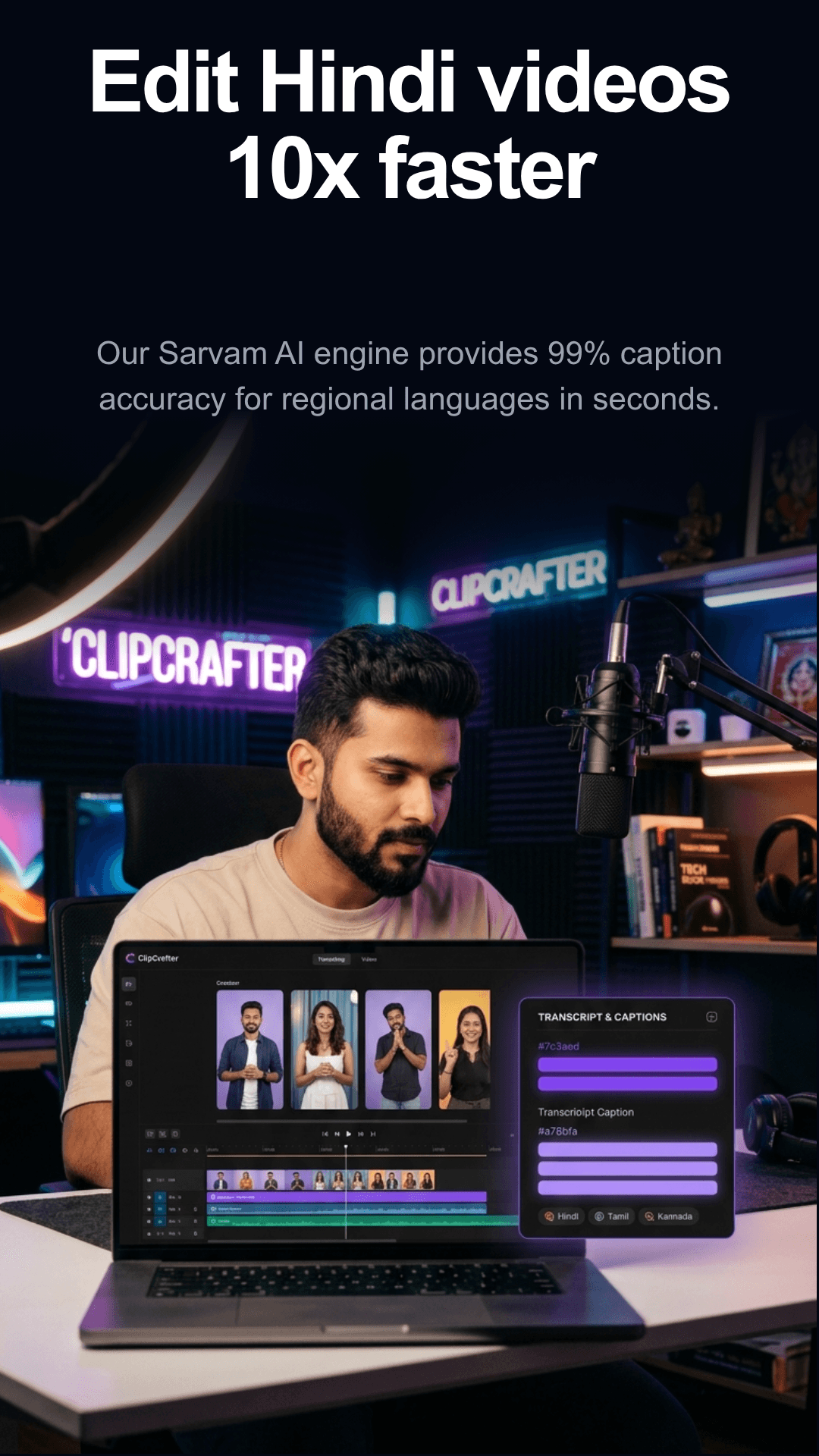
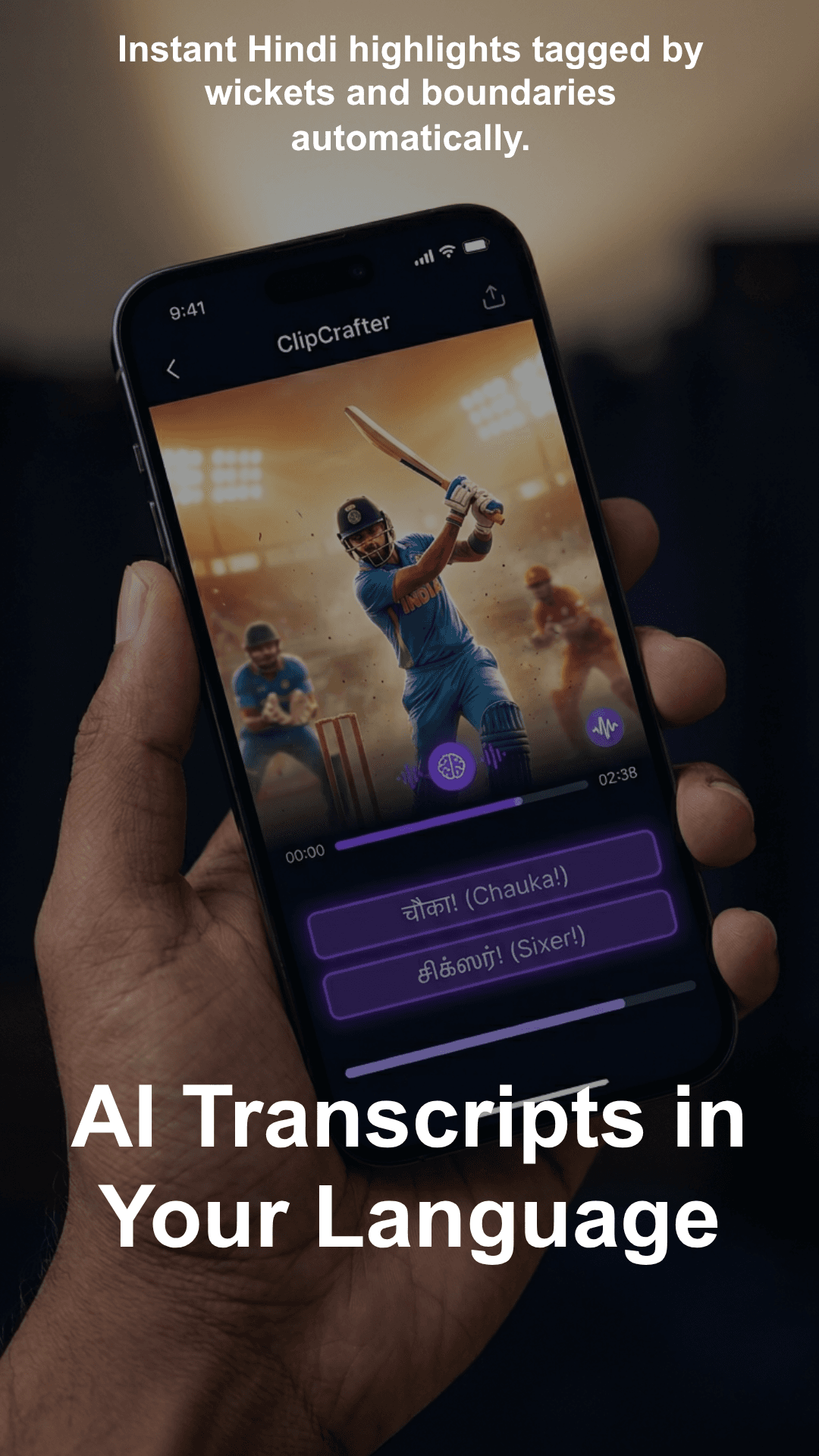
ClipCrafter transcribes your video, finds the highlights, adds captions, and exports clips for Reels, Shorts, and more. Supports Hindi, Tamil, Telugu, and other Indian languages.
Free plan available. No credit card required.
Why creators choose ClipCrafter
From live events to long-form — clip faster, post sooner.

See it in action
Paste a link and ClipCrafter does the rest — in minutes.
How it works
Paste a video link or upload
Drop a YouTube URL or upload an MP4. ClipCrafter handles the rest.
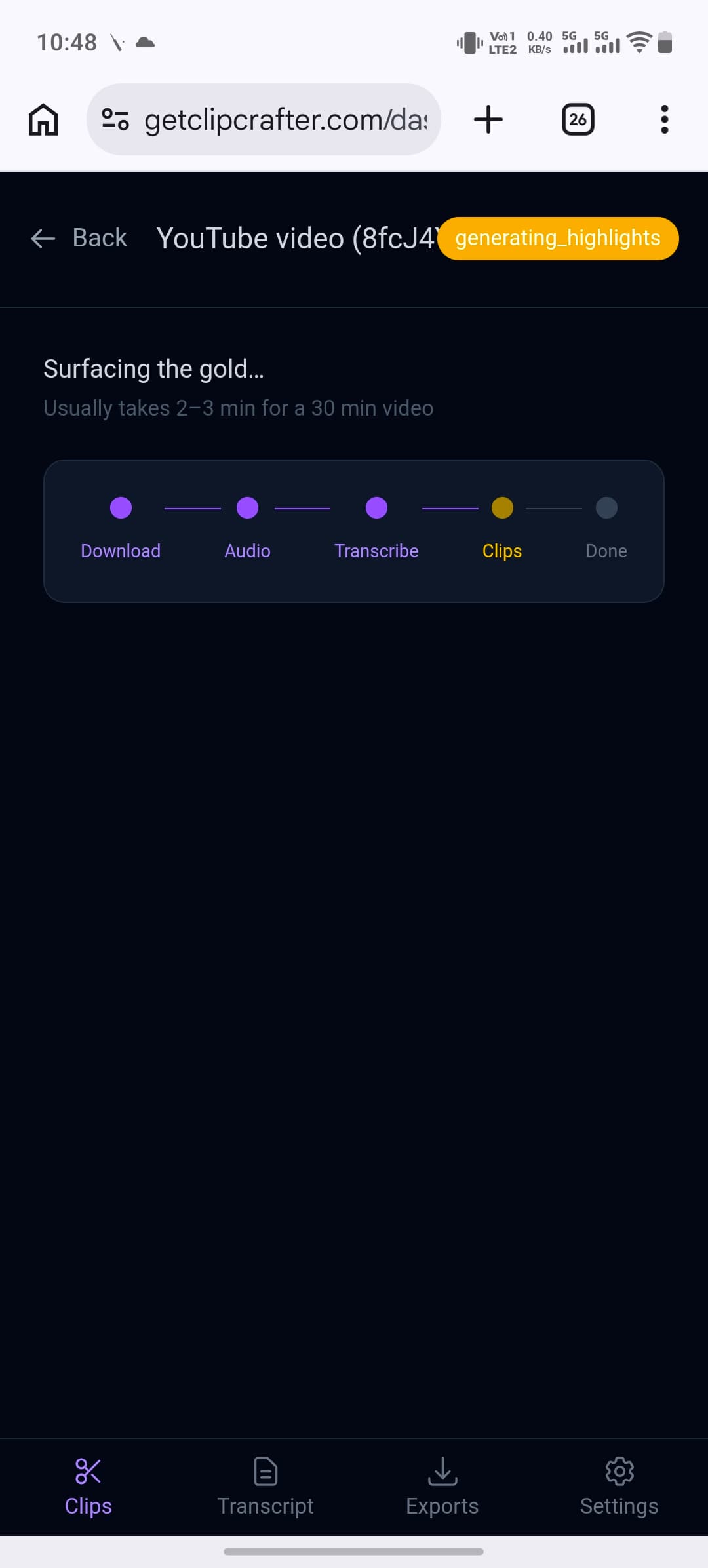
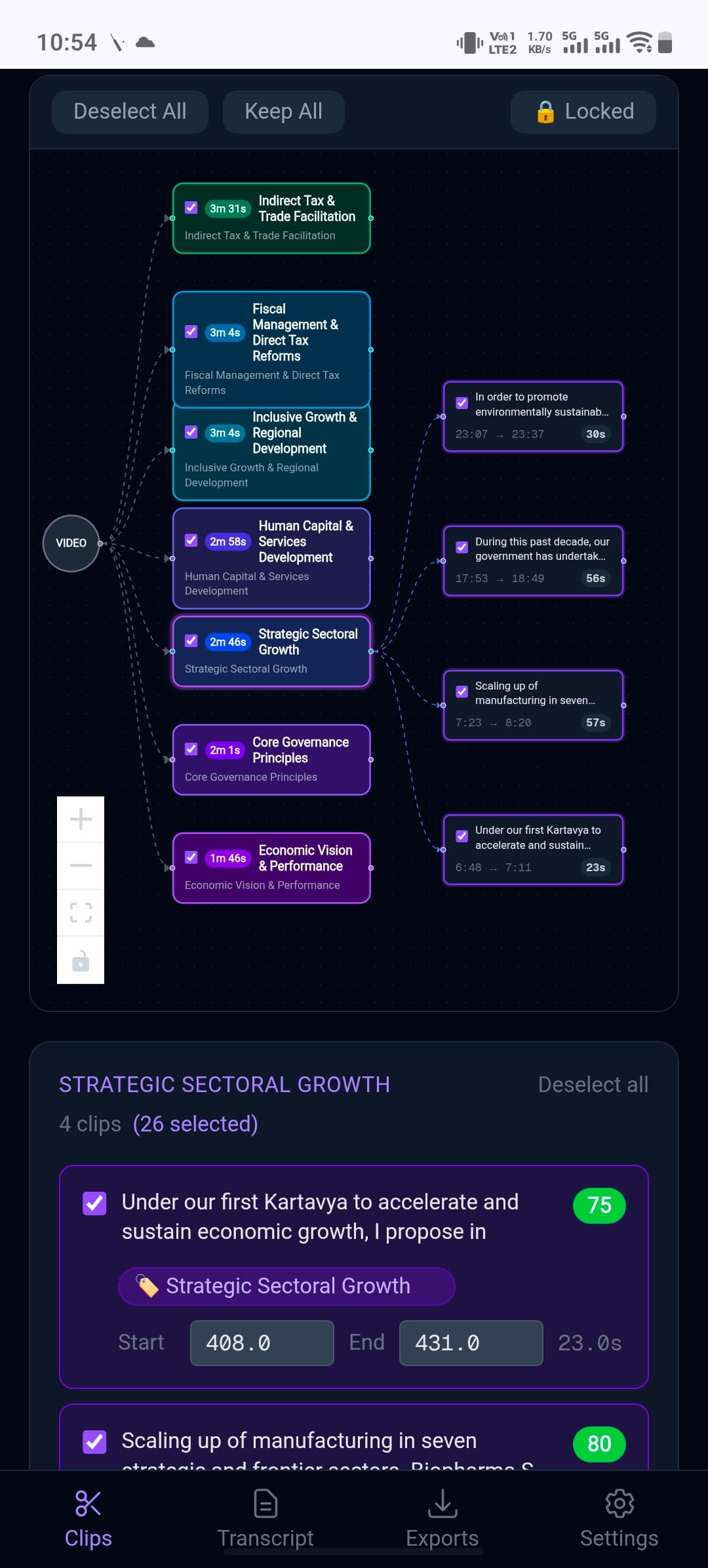
AI finds the best moments
The AI transcribes your video and automatically identifies the highlights worth clipping.
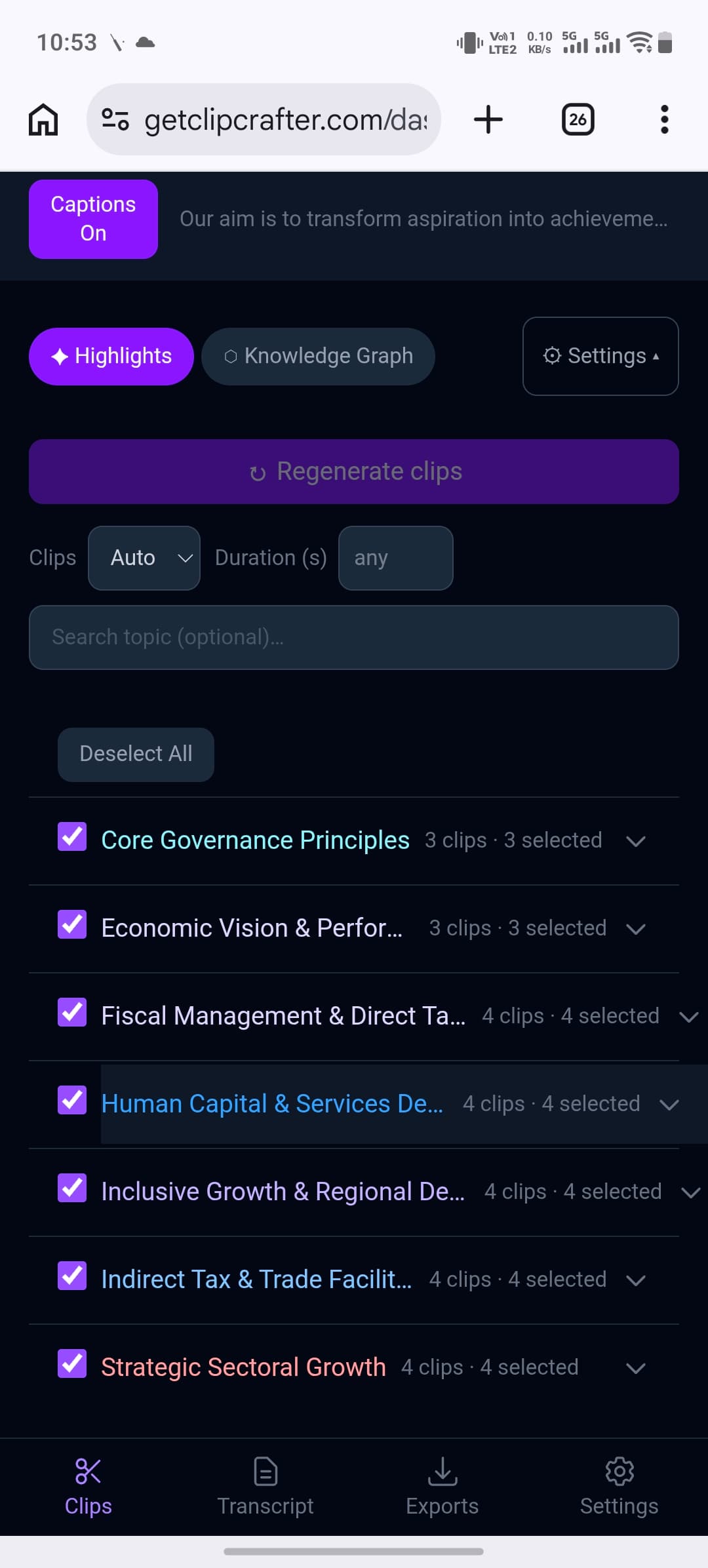
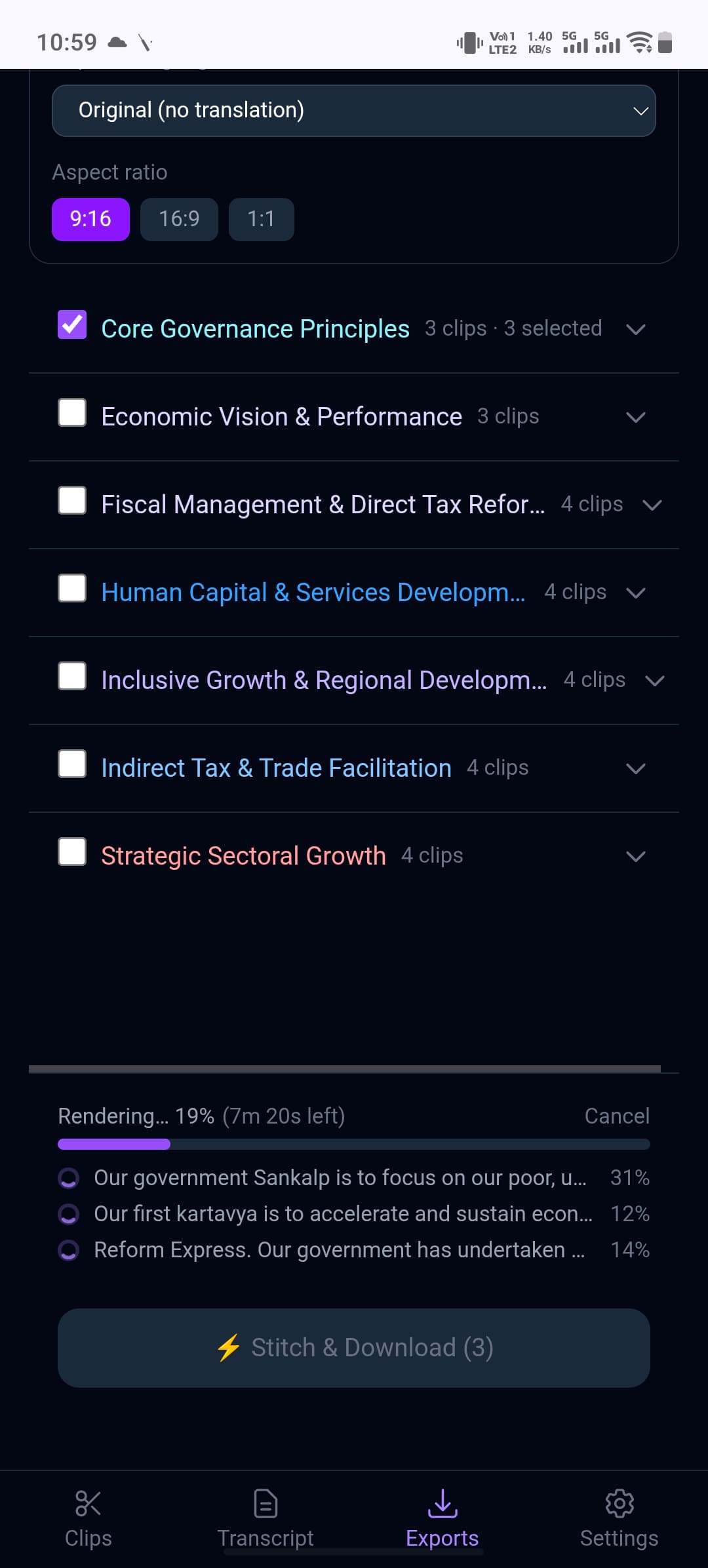
Edit captions and export
Adjust captions, pick your clips, and export ready-to-post videos for Reels, Shorts, or any platform.
Built for Indian creators
ClipCrafter is one of the few tools that actually handles Indian languages. Transcribe and add captions in Hindi, Tamil, Telugu, Kannada, and more — powered by Sarvam AI.
Simple pricing
Start free. Upgrade when you need more.
See pricing →